
How to collect event feedback before releasing certificates
Plan a short feedback flow tied to certificate release, with clear questions, privacy expectations, and a review or automatic-release step.
By Ashwin S Shenoy · Founder and engineerPublished Updated 3 min read
In this guide
The use case
A separate feedback survey can be easy to postpone. If feedback is part of your event closeout, connecting it to certificate delivery gives recipients a clear reason to complete it. Keep the request short, explain why you are asking, and decide how responses affect release before sending the form.
How it works in Verifycate
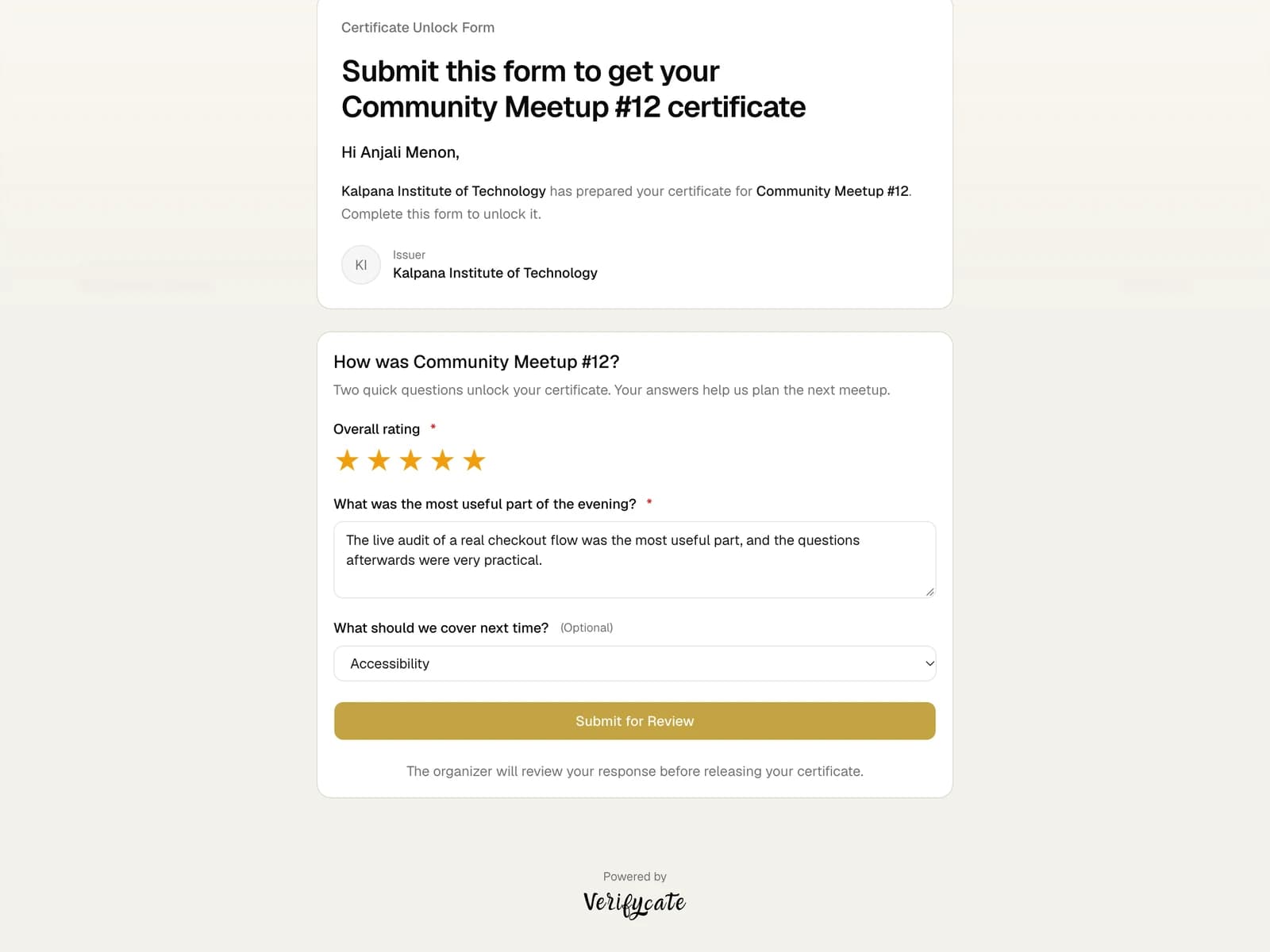
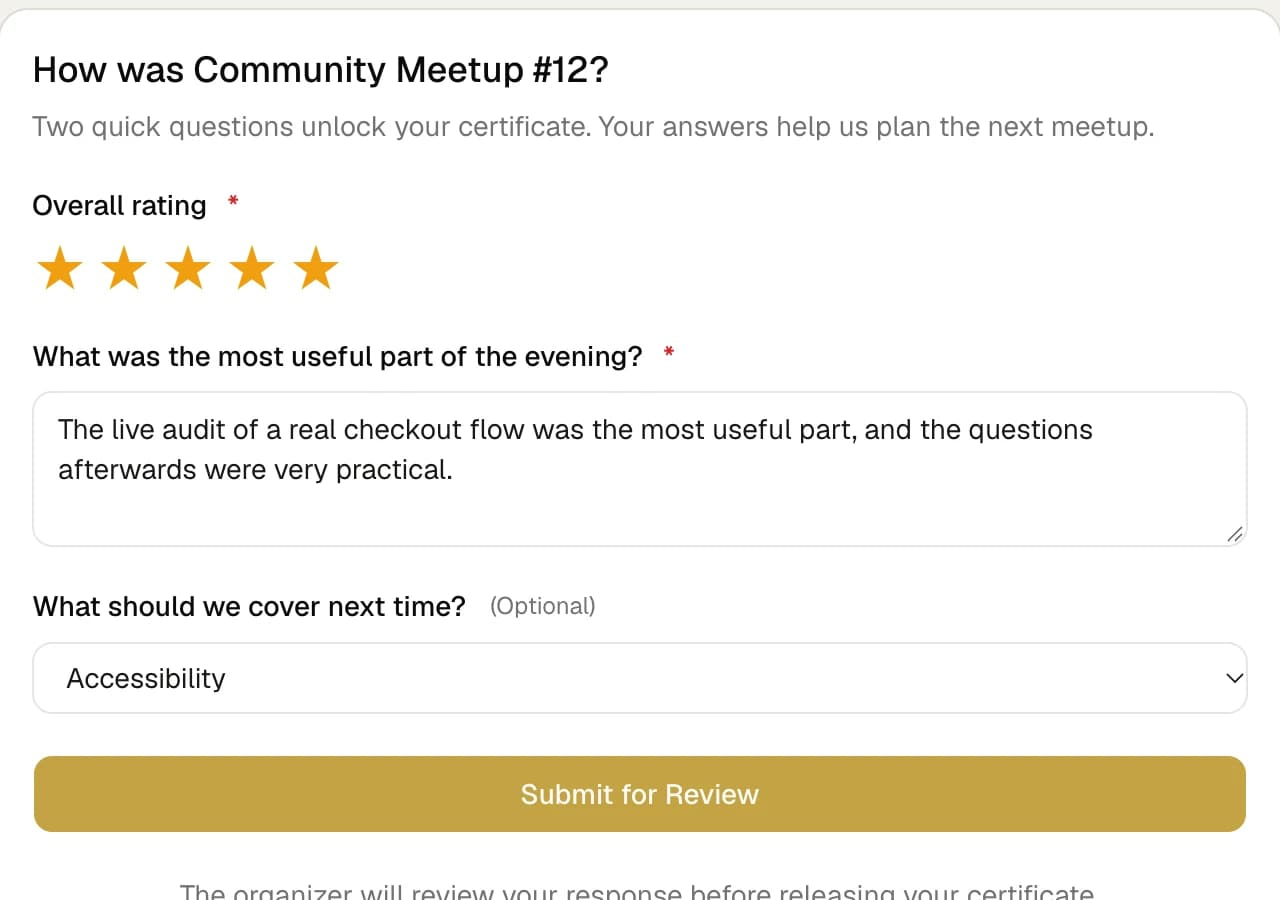
Unlock Form
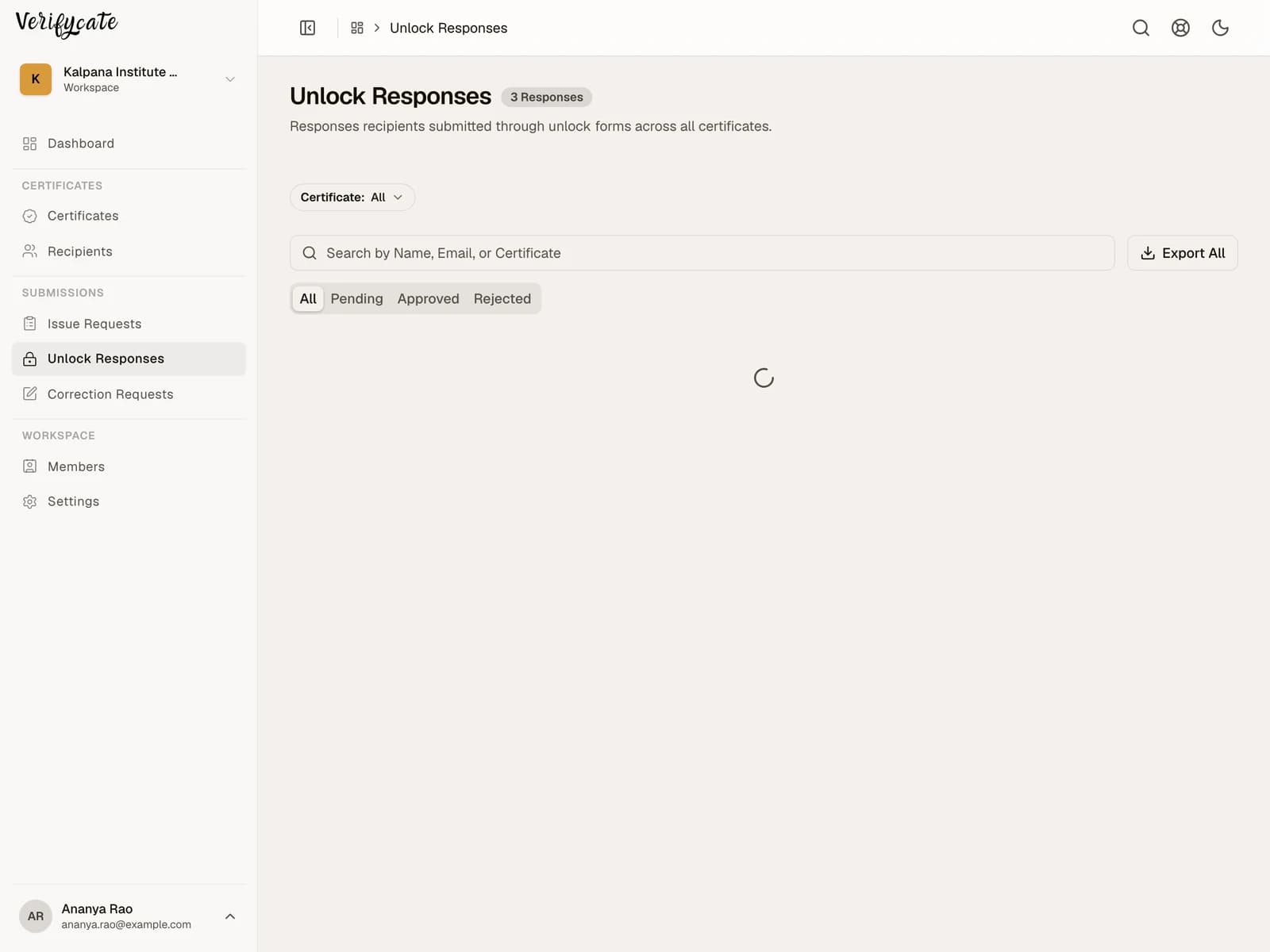
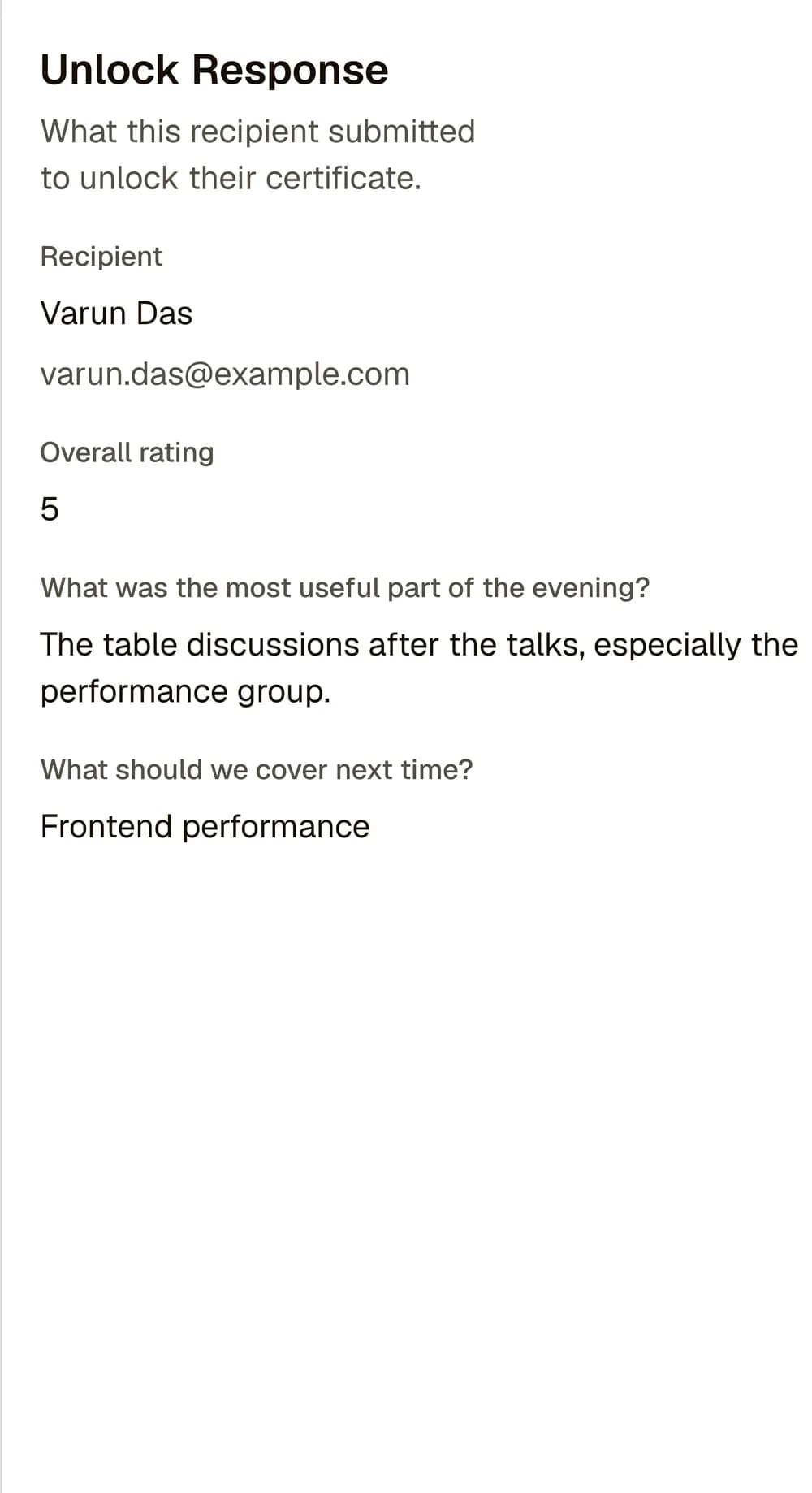
Enable an Unlock Form on the certificate. Existing recipients waiting for release and recipients you add later receive a unique private link by email; they can respond without signing in or entering a code. Choose Release Automatically After Submission or Review Before Release. Reviewed submissions appear in Unlock Responses. The glossary calls this feature a Certificate Unlock Form.
Choose one useful outcome
Decide what you need to learn: session quality, speaker feedback, project links, a testimonial, or a suggestion for the next event. Avoid turning the form into a general-purpose survey if a few focused questions will do.
For a hackathon, a project link or short reflection may be useful. For a workshop, ask about the material or the next topic participants need.
Write questions people can answer quickly
Use plain language and avoid asking for information you already have. Tell recipients whether answers are optional, who will read them, and whether you may publish a testimonial or project link.
Ask separately for permission before using someone’s response publicly. Submitting feedback should not be treated as consent to publish it unless your process clearly says so.
Decide how certificate release works
With Review Before Release, the organiser checks each response before releasing that recipient's certificate. Release Automatically After Submission is faster when any completed response is enough. Make the choice when configuring the Unlock Form.
In Verifycate, publish the certificate with an Unlock Form enabled. Waiting recipients receive a private link when it is published, and recipients added later receive their link by email. Select Release Automatically After Submission or Review Before Release.
Close the loop with recipients
Tell recipients what happens after they submit and how long it may take. Monitor submissions in Unlock Responses, follow up on stuck responses, and provide a way to contact the organiser if someone cannot complete the form.
Use the Issue Request Form for people who need to ask for a certificate. Use the Unlock Form for recipients you have already added when you need a response before releasing their certificate.
Facts checked on .
← All guidesKeep reading
Related resources
The next question organisers usually ask.
Start issuing
Put this guide to work
Start with 300 free credits. No card required.