How to issue college fest certificates, start to finish
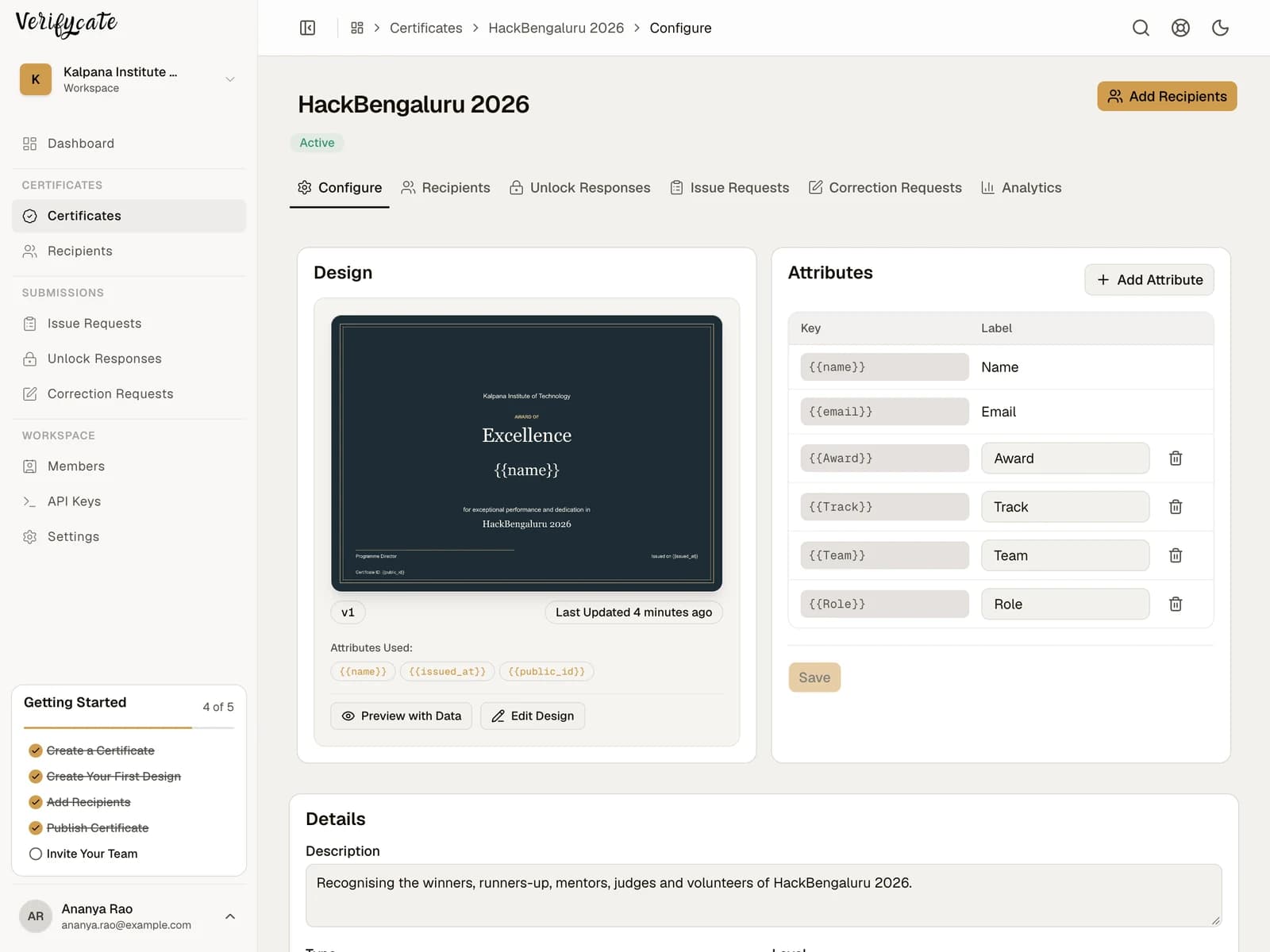
A practical sequence for a college fest: award structure, one list per event, previewing with real names, publishing in batches, and the correction week afterwards.
The field manual
Recipient lists, webinar exports, certificate wording, corrections, and the follow-up week. Each guide is written from real issuing runs and checked by the team that builds the product.
10 guides
Five tests you can run in a trial before paying: verification without an account, the correction path, what happens when you stop paying, a messy import, and the real cost per issue.


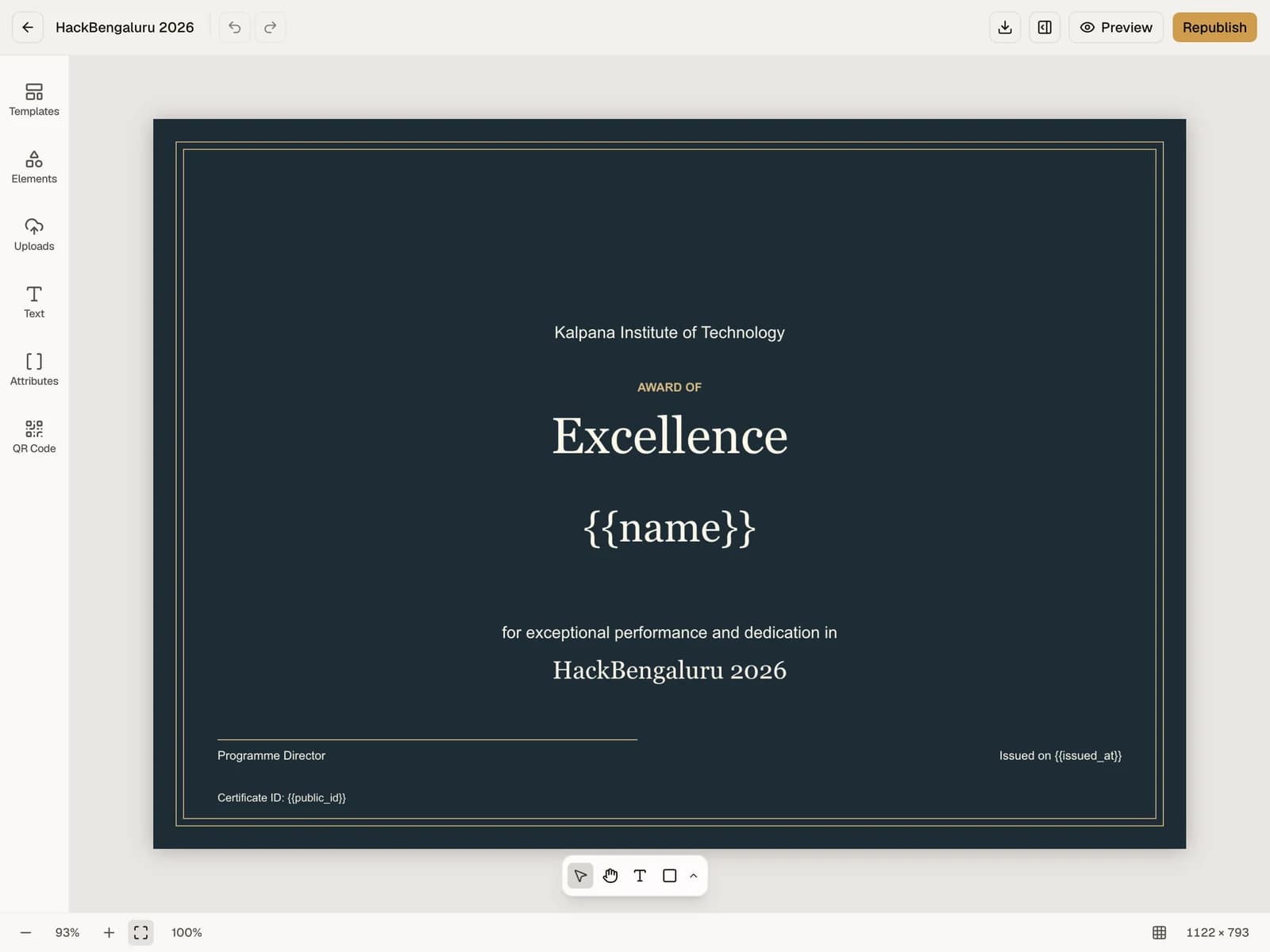
A practical sequence for a college fest: award structure, one list per event, previewing with real names, publishing in batches, and the correction week afterwards.

A practical checklist for preparing recipient data, issuing event certificates, handling corrections, and sharing verification links.

Choose clear certificate wording and details for event attendance, participation, completion, speakers, awards, and volunteer recognition.

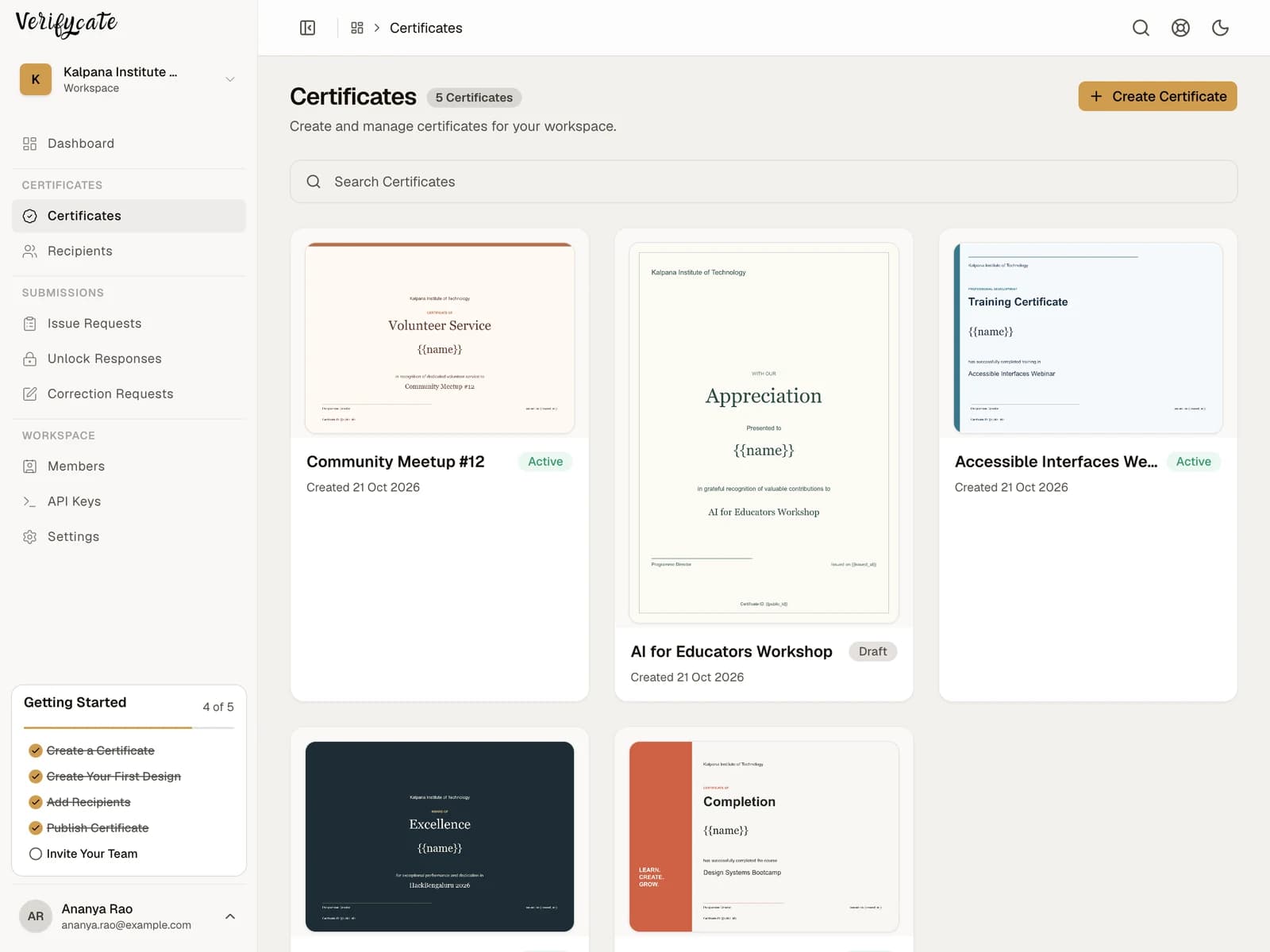
Plan certificate designs and recipient lists for event winners, attendees, speakers, judges, mentors, and volunteers.

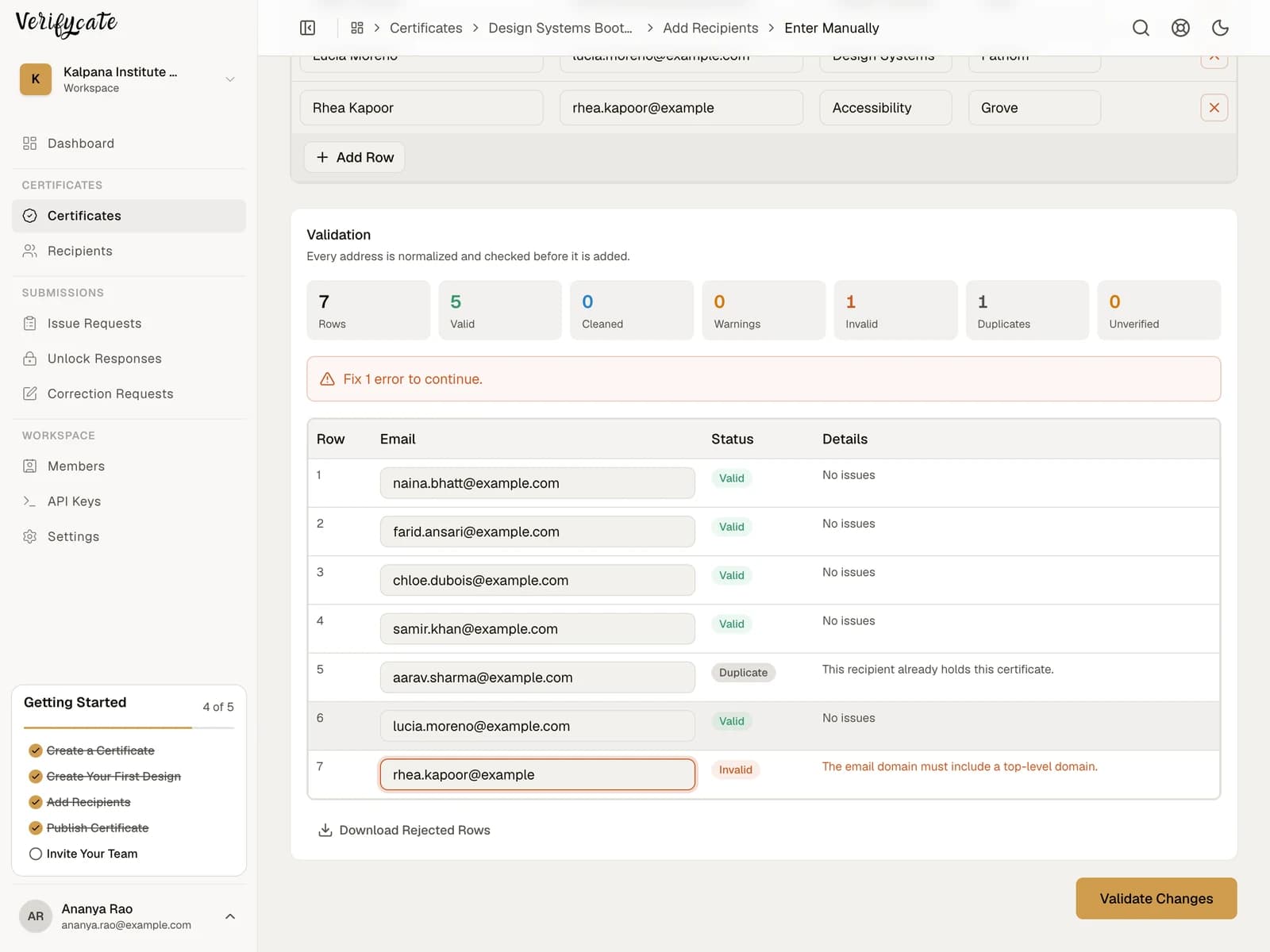
Prepare a clean recipient spreadsheet for event certificates. Learn which columns to include, how to use certificate Attributes, and what to check before importing.

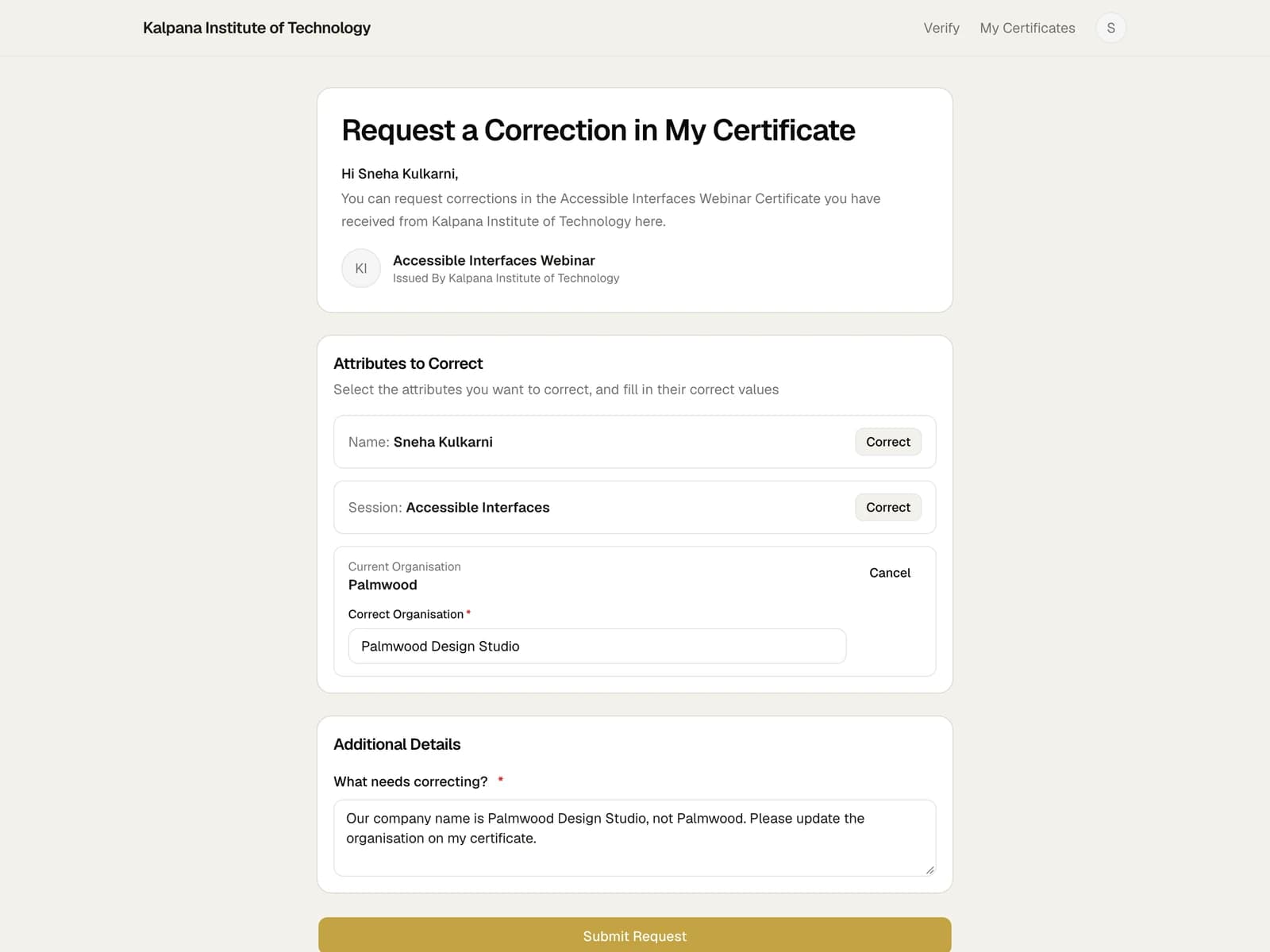
A clear post-issue correction process for organisers: verify the request, choose automatic application or review, and tell recipients where to find the updated certificate.

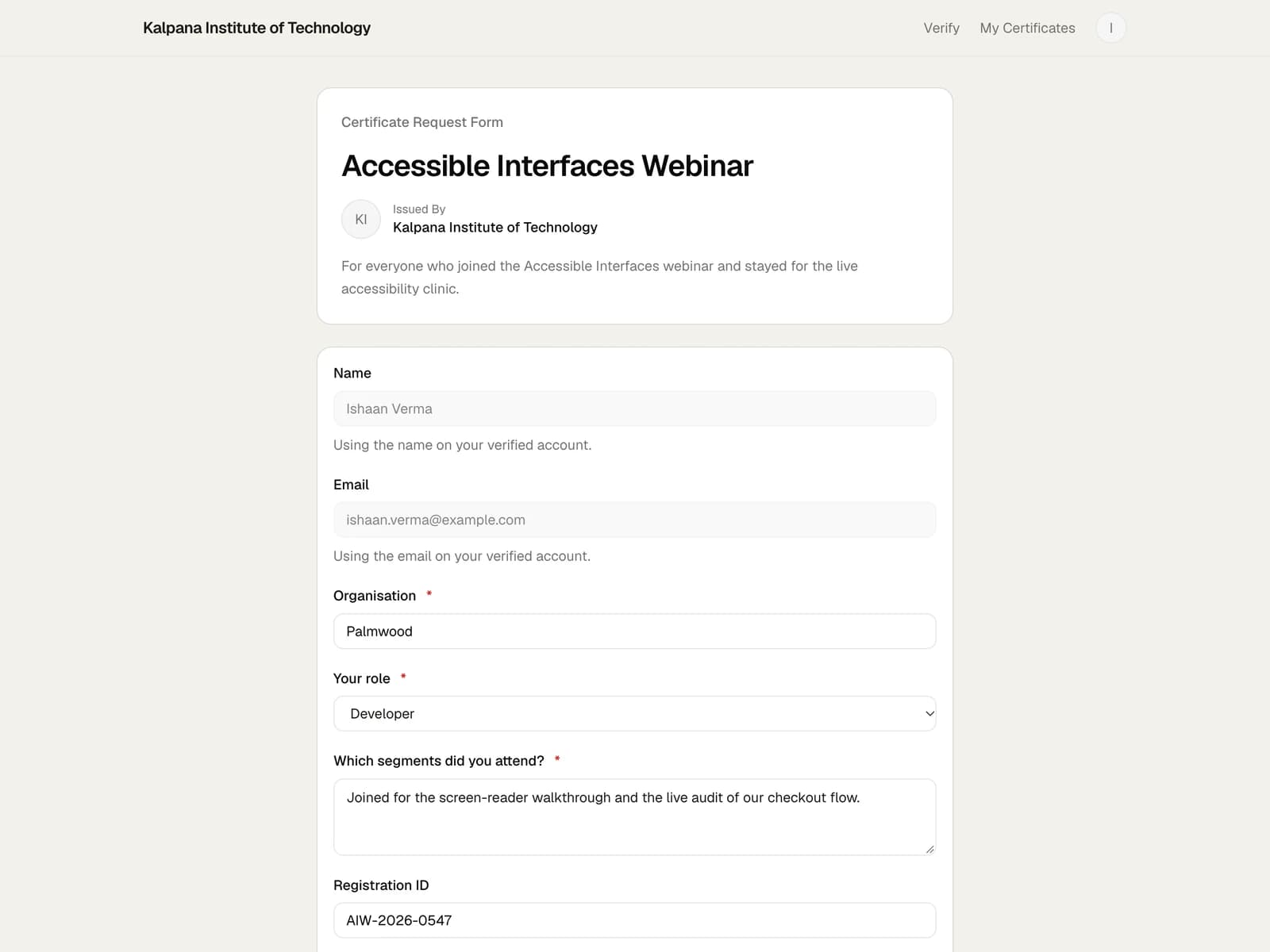
A straightforward way to handle attendees who are missing from the certificate list, without collecting names across scattered chats and email threads.

Use a Zoom attendee report or Google Meet attendance report to prepare a recipient list, then import and issue webinar certificates in Verifycate.

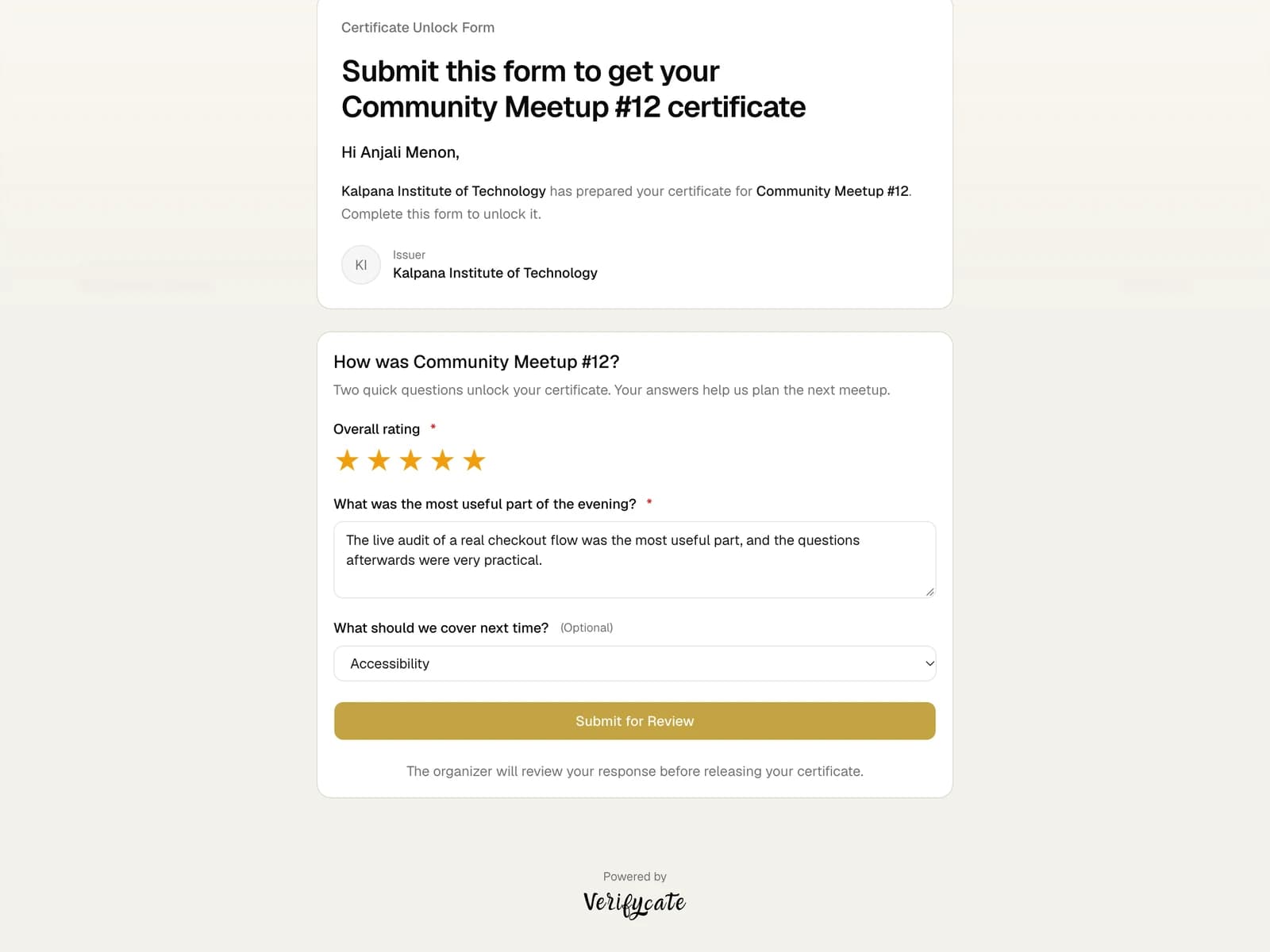
Plan a short feedback flow tied to certificate release, with clear questions, privacy expectations, and a review or automatic-release step.
Start issuing
Start with 300 free credits. Design once, import the list you already have, and give every recipient a page anyone can verify.